
Open source · Built for Omarchy

Write the talk.
That's the deck.

Omapresent turns any Markdown file into a presentation. No slide masters, no drag handles, no fiddling.

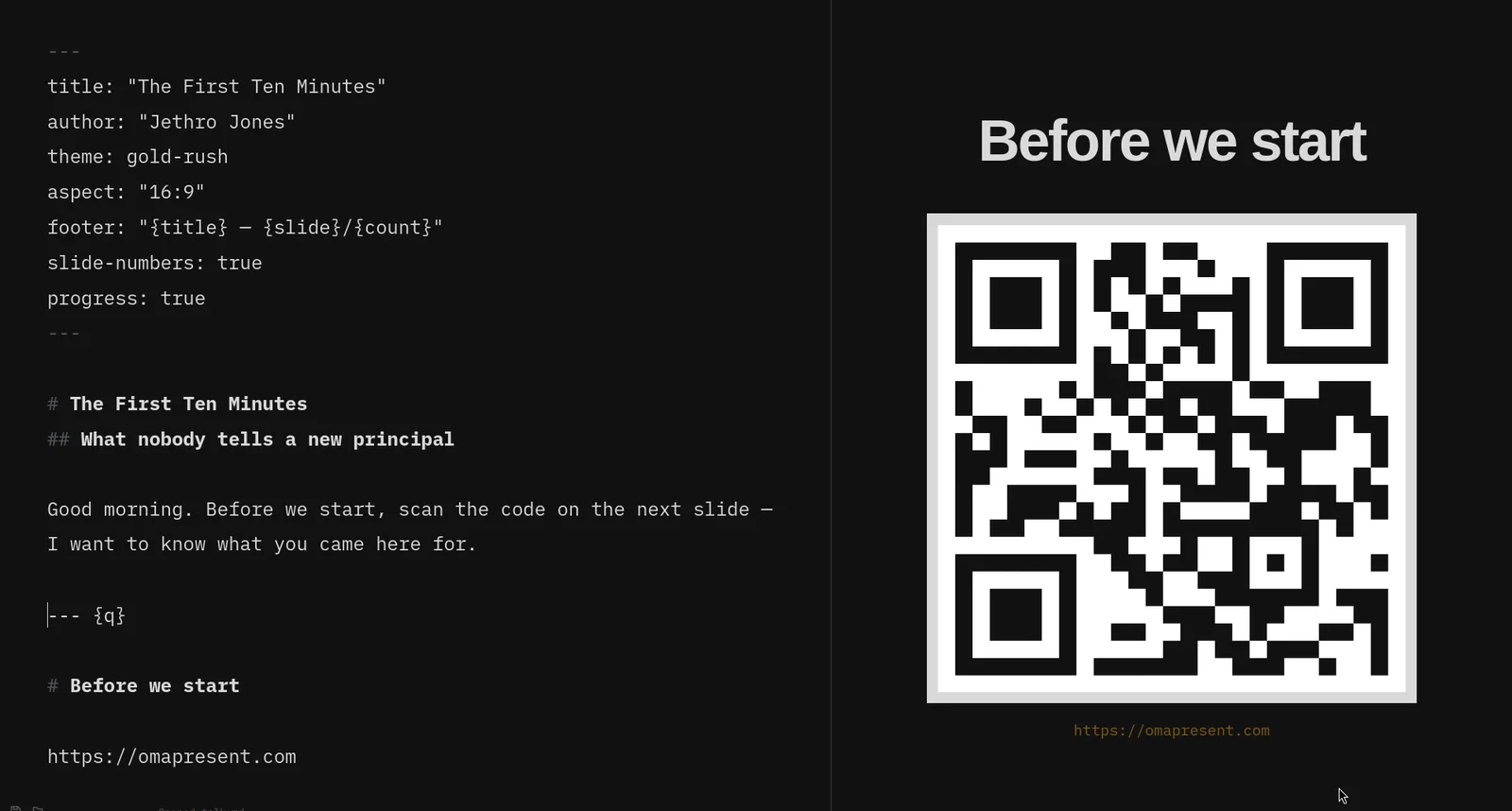
The Omapresent editor: Markdown source on the left, the live slide rendered on the right.
Left: what you wrote. Right: what the room sees. Same file.

Ten minutes before you go on

You are not rehearsing. You are nudging a text box two pixels left, watching a font substitute itself on the projector, and clicking through an animation that fires twice.

None of that is your talk. Your talk is the words.

Omapresent takes the fiddling away and leaves you with one plain text file and a way to say it out loud. Open a Markdown file and it is already a presentation. Press F5. That's the whole workflow.

One deck, two screens

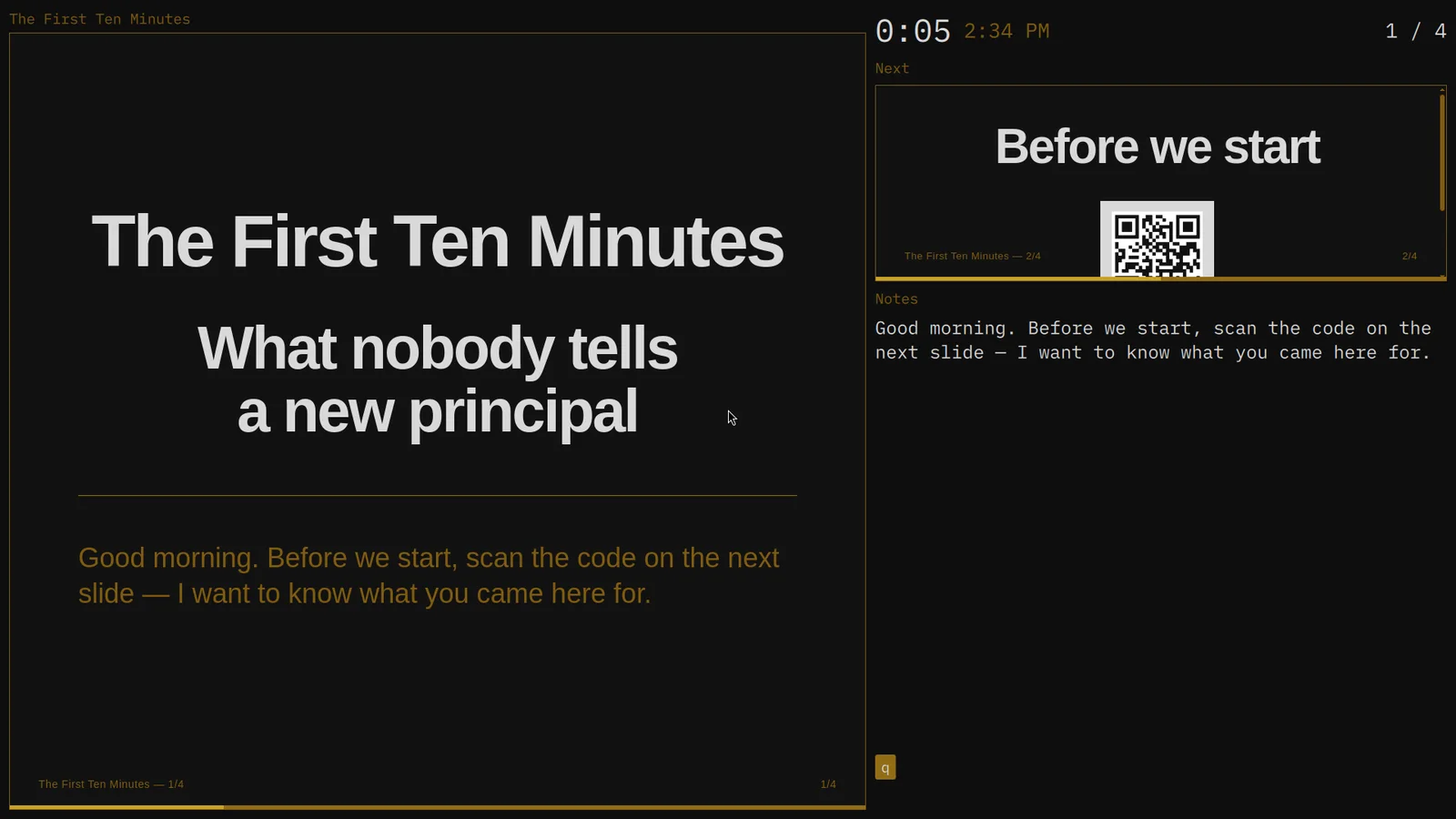
The Omapresent presenter window: current slide, elapsed timer, wall clock, next-slide preview, speaker notes and a recall key badge.
You see the timer, the next slide, your notes, and your recall keys.
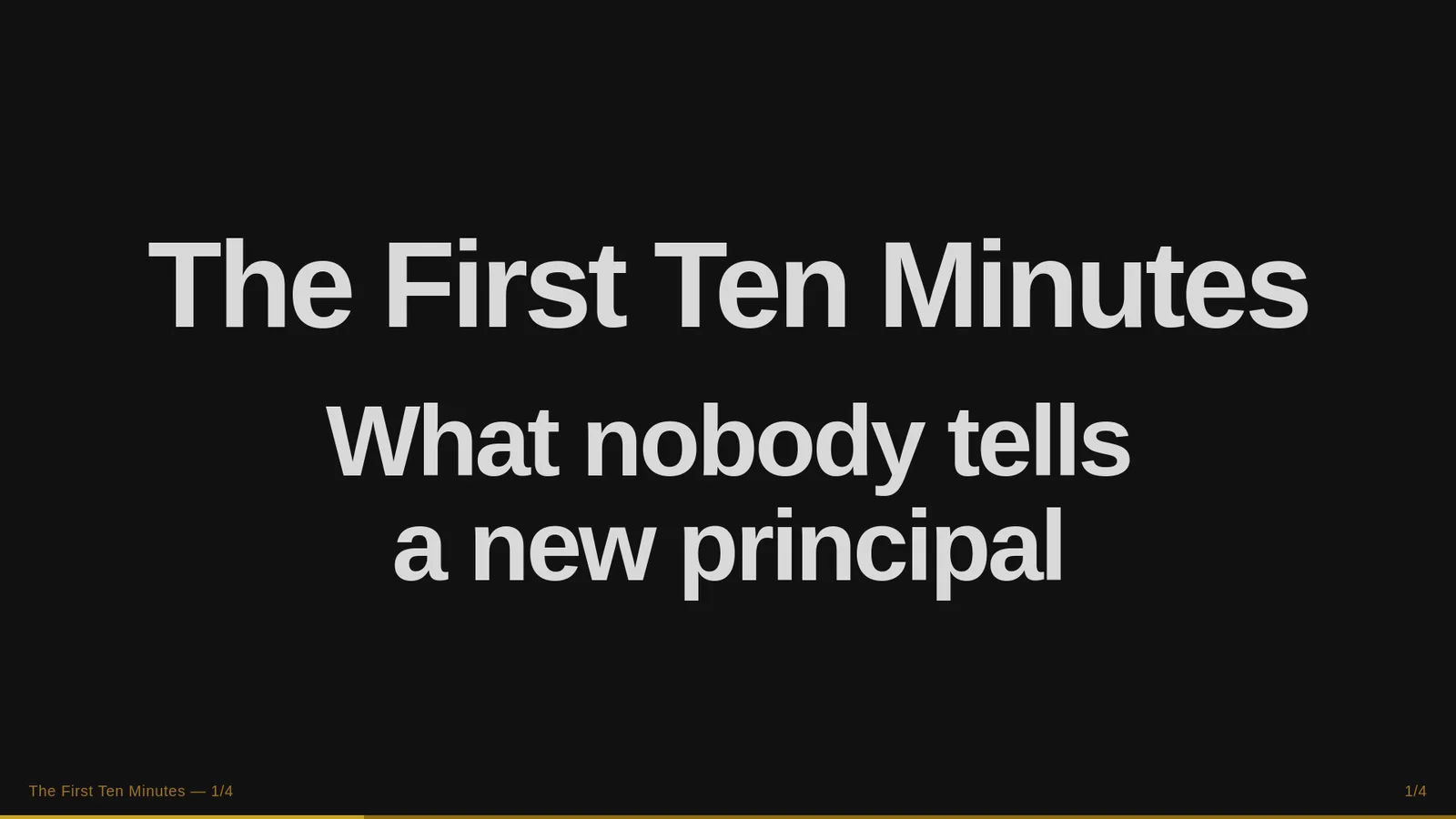
The Omapresent audience window showing a clean title slide with no interface around it.
They see the slide. That is all that is on their screen.

Two real windows, so screen sharing is simple: share the audience window and your notes stay yours. Plug in a projector mid-talk and the windows sort themselves out.

  • F5Start from the top
  • SpaceNext point or slide
  • ↑↓Scroll a long slide
  • OOverview grid
  • BBlack the screen
  • WWhite the screen
  • NNotes on one monitor
  • EscOut

Nothing gets shrunk to fit

Every other tool answers a full slide the same way: make the type smaller until the back row gives up. Omapresent refuses. The slide grows taller and scrolls at full size, and the audience screen scrolls exactly with you.

Shrink to fit

Eight rows, one screen, nobody past row three can read it.

Omapresent scroll inside ↓

What I heard in one week

WhoWhat they saidWhat it meant
Third-year teacher“Nobody covers my class.”Sub system is broken
Custodian“The east door sticks.”Nobody reports anything
Front office“Parents call me first.”I am not reachable
Counselor“I only see the crisis kids.”No preventive time
Cafeteria lead“Lunch runs eleven minutes long.”Schedule is off
Bus driver“The pickup line blocks the lot.”Arrival is unmanaged
Special ed team“We meet in the hallway.”No space allocated
Coach“Teachers cancel on me.”Coaching is optional

Same eight rows at full size. The slide got taller, not smaller.

The feature you will miss everywhere else

Recall slides

Put a letter on a slide separator and that slide is bound to that key for the whole talk. Press it and the slide pops over whatever is on screen. Press it again and you are back exactly where you were, mid-sentence, nothing lost.

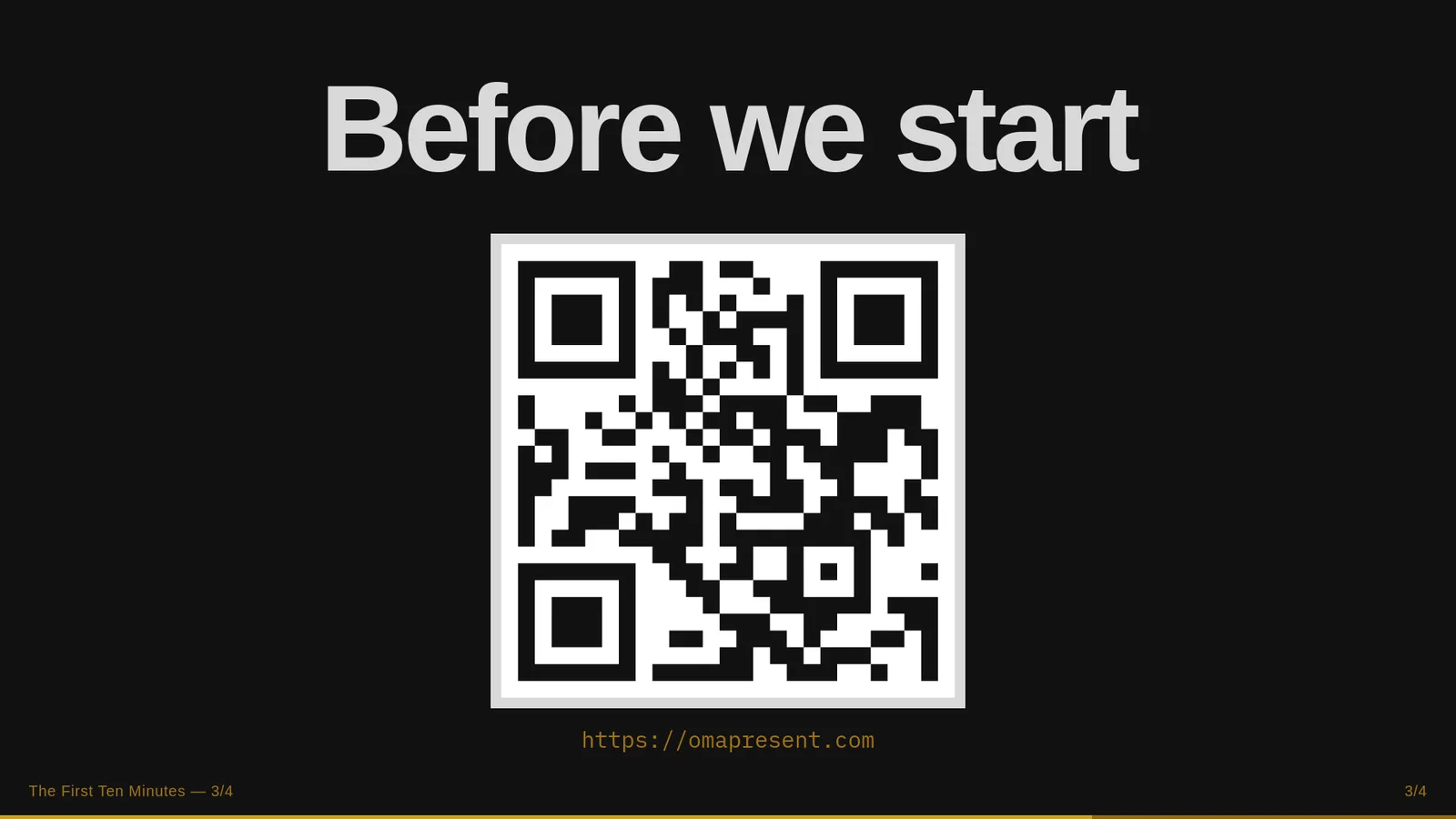
An Omapresent audience screen showing the current slide.

Press Q — or tap the key — to pop the slide bound to it.

# The First Ten Minutes

--- {q}

# Before we start

https://omapresent.com

That is the entire syntax. --- {q} instead of ---.

Use it for the QR code to your entrance survey, the agenda the room keeps asking about, the one diagram everything hangs on. Bind up to eight in one deck. Q E R T Y sit under your left hand and stay out of the way of the keys that already do something — W whites out the screen, B blacks it out.

Add --- {q, skip} and the slide never appears in the linear run at all. It only exists when you call for it.

Recall slides started as an idea from @theaaron on X. Thank you.

It already matches your desktop

Omapresent reads your Omarchy theme and wears it. Change your desktop theme and every deck follows, live. There is no colour picker in this app because there is nothing left for it to do.

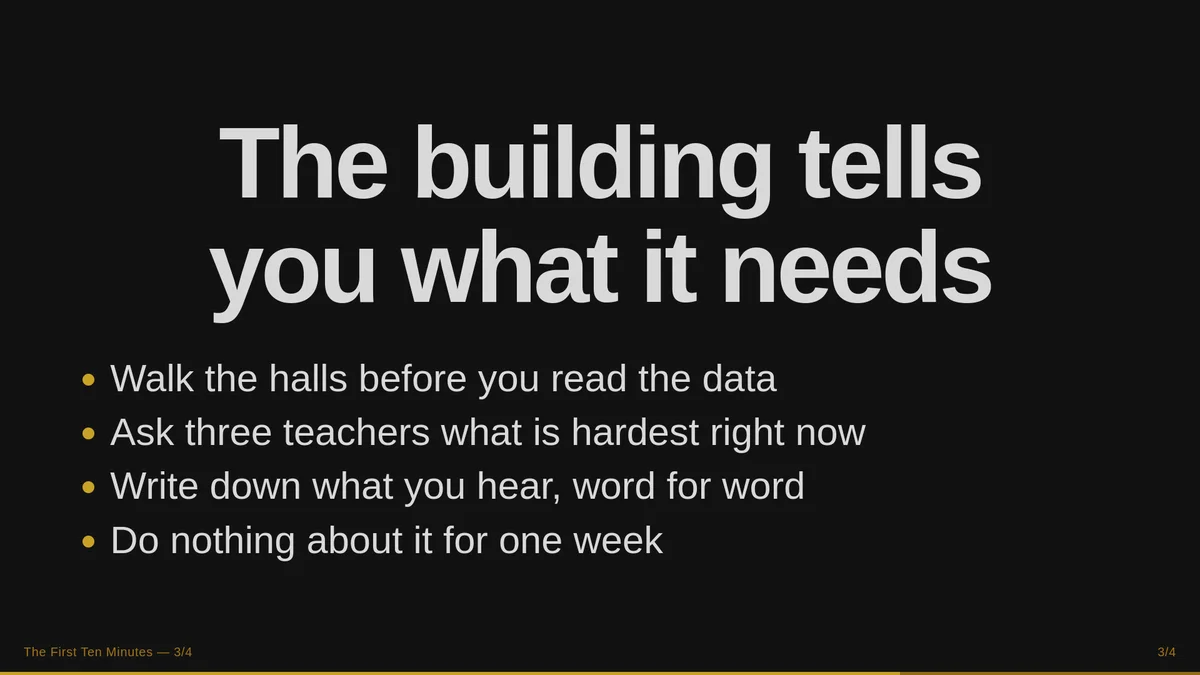
The same slide rendered in the Gold Rush theme: black background, gold accents.
gold-rush
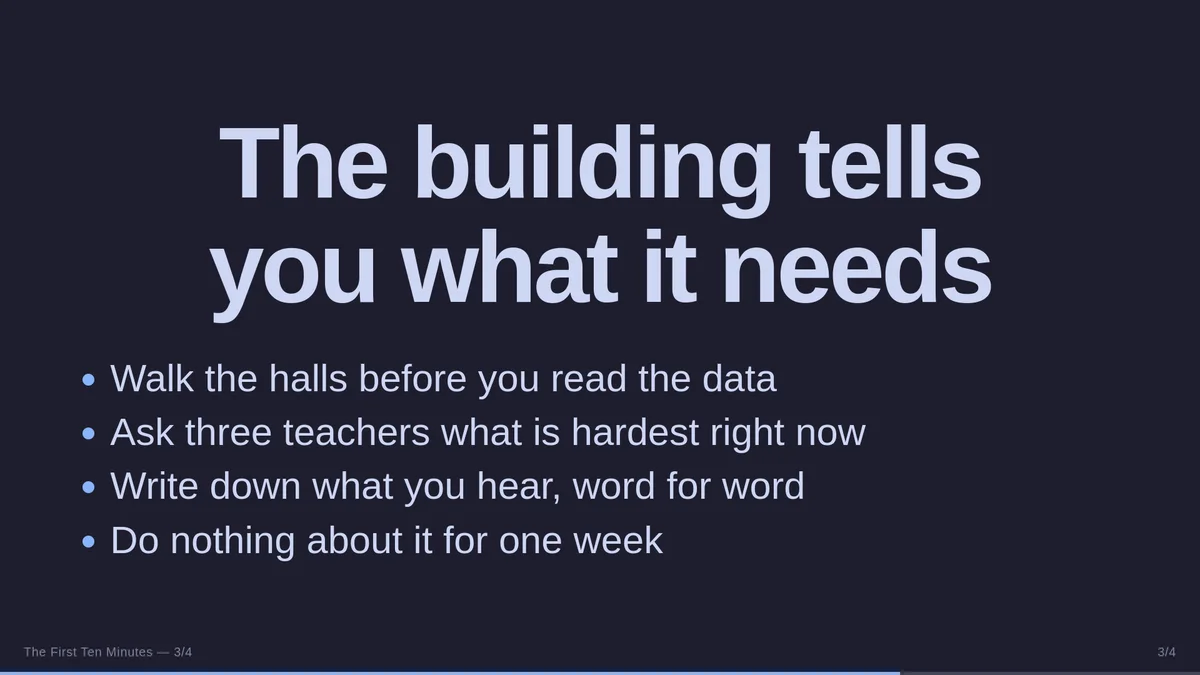
The same slide rendered in the Catppuccin theme: deep blue-grey background, lavender text.
catppuccin
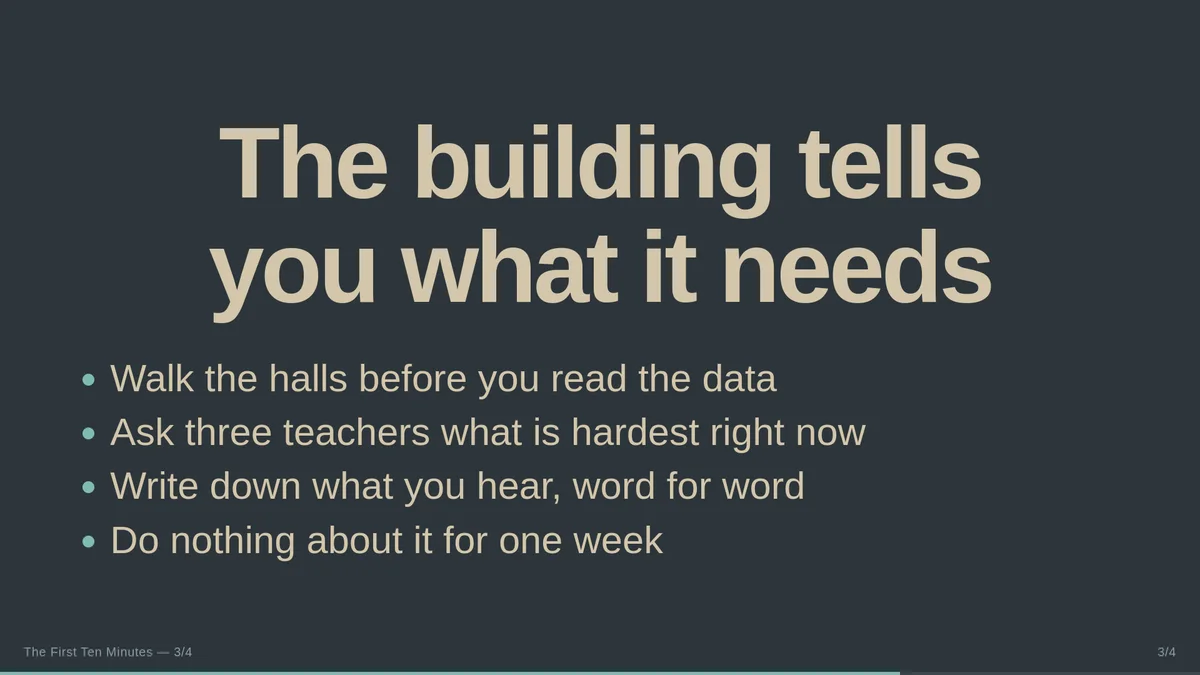
The same slide rendered in the Everforest theme: muted green-grey background.
everforest

Want one talk in a different palette? Add theme: gruvbox to the frontmatter and only Omapresent changes.

Want it to look like nothing else on this page? It is a colors.toml file — sixteen colours and an accent. Hand it to your agent, say what you want, and you have a new look in a couple of minutes. That is the whole customisation story, and it is the same one every other Omarchy app tells.

What else it does

Your prose becomes your notes

Headings, lists, tables, code, quotes and media go to the audience. Plain paragraphs go to your presenter screen as speaker notes. You never learn a notes syntax — you just write the way you already write, and the split happens on its own.

Images arrange themselves

Two images side by side, four in a grid, six in a mosaic. Consecutive image lines become a bento layout with no work from you. Add |main to pick the hero tile.

Bullets arrive one at a time

List items reveal as you speak. Indented outlines show all at once. The difference is how you wrote it, not a menu you found.

A QR code rendered on an Omapresent slide, with the destination address printed under it.

A bare URL becomes a QR code

Drop a link on its own line and the room scans it off the wall, with the address printed underneath. Video links become players instead.

Math, code and tables, rendered properly

KaTeX and syntax highlighting are bundled in, so equations and code blocks stay crisp with no network anywhere in sight.

Out as PDF or as a web page

Ctrl+E exports slides to PDF, tall ones paginated. Ctrl+Shift+P publishes a static bundle — a deck to click through and a long-read article of the same talk — to your own host.

Omarchy · x86_64 · MIT

Install it

Omapresent v0.1.3 is in the official Omarchy package repository. The reliable install path is one terminal command.

1. From Omarchy recommended

Install it from Omarchy's official package repository.

omarchy pkg add omapresent

If the command cannot find the package, run omarchy update, then retry.

2. From source

Clone it and let the install script build the package and install it.

git clone https://github.com/jethrojones/omapresent.git
cd omapresent
./bin/install

Needs makepkg. Runtime dependencies are qt6-base, qt6-declarative, qt6-webengine, qt6-webchannel, qt6-multimedia, xdg-desktop-portal, hicolor-icon-theme and ttf-ia-writer; imagemagick to build.

Then open any .md file you already have and press F5. Omapresent ships with a welcome deck that is itself the manual — every feature demonstrated live on its own slide, with the reasoning in the speaker notes.

omapresent present ~/notes/my-talk.md

Open source

Omapresent is MIT licensed. Read every line, fork it, ship your own build, or open an issue and make the case for a different default.

It is built by Jethro Jones, who has given enough talks to know exactly which part of the job software should stay out of. It started from the foundation of Omawrite by David Heinemeier Hansson and grew into a presenter.

Nothing in it phones home. Two things touch the network, and only when you ask for them: pre-fetching a video you embedded, and publishing a deck you chose to publish. Everything else — the Markdown parser, the maths, the QR codes, the fonts — is bundled in the package.

Install Omapresent